
print & motion / 6-second example
Spotlight callout demo
A moving spotlight isolates an area of a dimmed image.
MAKE IT YOURS
Build this kind of shot
Choose an image with a clear detail to draw attention to. The spotlight follows its preset path; use Screenshot Highlight when you need to place your own highlight regions.
- Open the Spotlight callout editor and replace the sample content using its available controls.
- Adjust the layout, colours and timing. Preview the full motion before downloading.
- Export your result and add it to your video timeline.
Before you export
Is Paper Animators free to try?
Editing and previews are free. A free account includes 3 lifetime 720p video exports without watermarks. Unlimited plans add 1080p exports. See current plans and export limits.
Which format can I download?
Video exports use MP4 when supported by the editor and browser, with WebM available as a fallback. Check the export options in your chosen editor. An MP4 file does not have a transparent background; use the available green-screen option when you need to key out a background.
Can I use my own images and words?
Replace the samples wherever the editor supports custom content. Use media you own or have permission to use. Sample names, posts, maps and numbers are illustrative, not factual evidence. Read the export usage guide.
Another way to tell it
All 73 demos →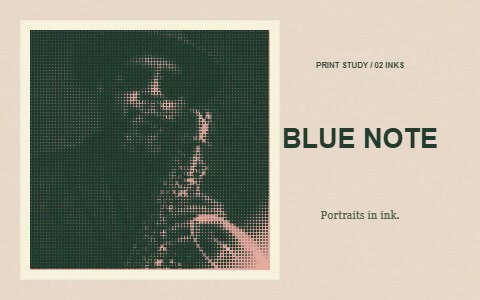 6s · Watch demo ↗
Halftone print reveal
A photo resolves into a two-ink dotted print with offset registration and a paper finish. The visible dots are the intentional print effect.
 6s · Watch demo ↗
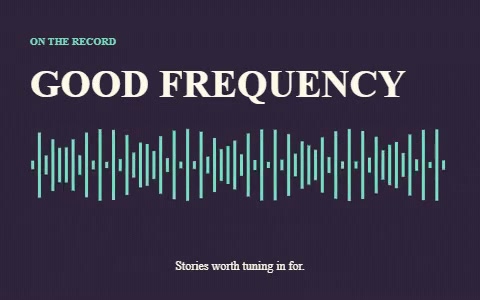
Rhythmic waveform title
A decorative waveform pulses beneath a podcast-style title; not audio-reactive.
 6s · Watch demo ↗
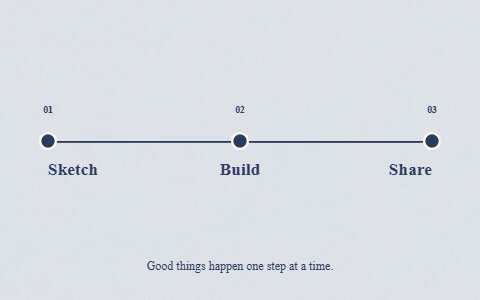
Timeline milestones
A growing line connects three milestone nodes and labels.