

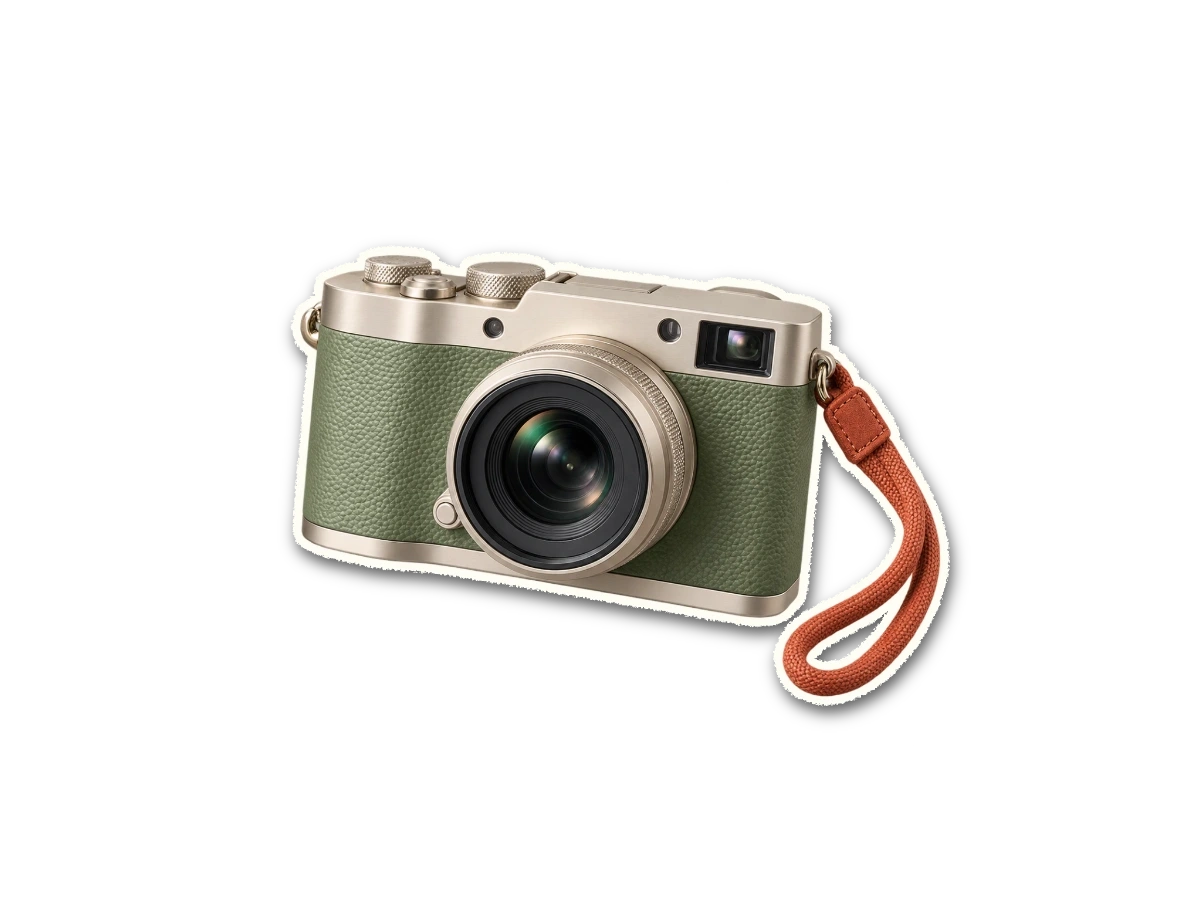
Give it a paper edge.
Slide between a clean cutout and its paper treatment.


 paperanimatorsTHE MOTION PLAYGROUNDOpen studio ↗
Use our online paper animator to bring photos, cutout letters and highlighted text to life. Customize the motion and download a clip for your next video.
Choose a paper animator effect for your photo, a cutout title or a newspaper text match cut.
This online paper animator turns your own photo or words into a short moving clip. Start with the effect that fits your video, then change its content and motion in the browser.
Use a photo cutout for a moving subject, a crumple reveal for an entrance, or a text match cut for a highlighted word.
Add your image or text. Adjust the paper, timing and framing, then preview it in 9:16 or 16:9 before exporting.
Edit and preview for free. Create a free account for 3 starter 720p video exports, then one per day from the day after you use them without a watermark. See export options.
Learn the paper animator workflow with this narrated cutout example, then use your own photo in the editor. Follow the photo cutout tutorial, crumple reveal tutorial or text match cut tutorial for detailed steps.
Cut out your subject, shape the edge and bring it into your edit.
Slide between a clean cutout and its paper treatment.
A crumpled paper ball opens into your photo. Adjust the texture, reveal and background.
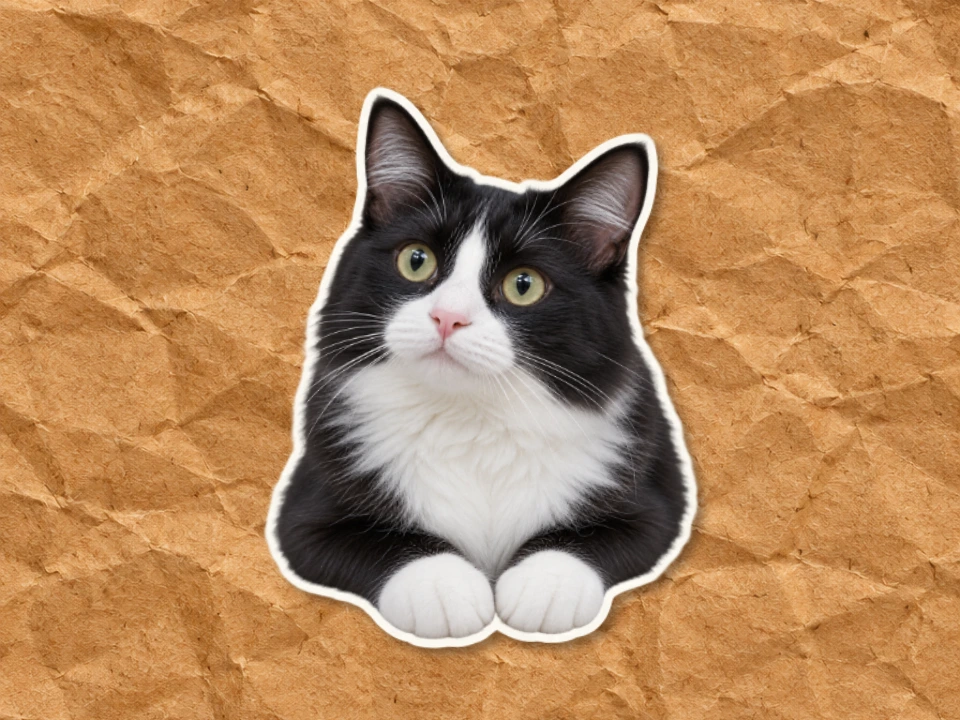 Try the crumple reveal
Build a title from cutout letters. Make the message—and the colors—your own.
 Animate your words
Choose your destinations. Let a paper plane trace the journey between them.
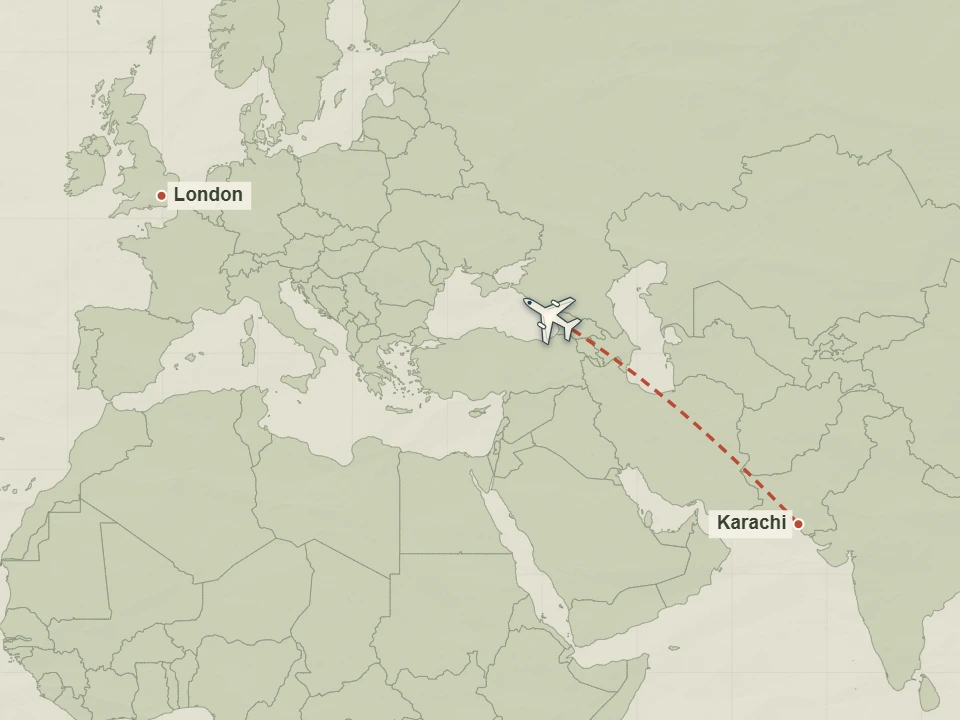 Map your journey
Place your animation over your own footage. Export with a green background, then remove the green in CapCut, Premiere Pro or your favourite editor.
 MP4Try green-screen export MP4 where supported · WebM fallback
Choose a format for your reel, story or full-width video.
Adjust the content, colors and motion to suit your edit.
Download your clip or a still frame. No watermark.
A person, a product, your next great idea. Remove the background from your photo and save a clean, transparent PNG—ready for a paper cutout, a thumbnail or your next design.
Processed on your device. No watermark. Free account to export.
23 classic effects. Find every effect, music track, sound and texture in Studio.
Tear between shots, build a scrapbook, reveal a print. Every look has its own controls and a live preview.
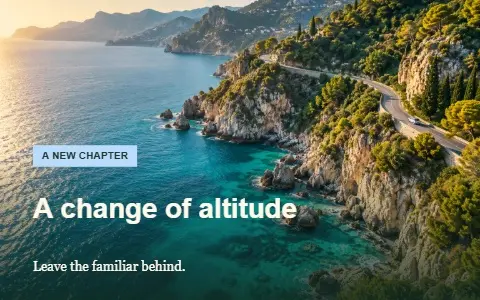
A rough paper edge pulls across the frame to reveal your next image. Designed as a reusable transition between two shots.
Make it yours ↗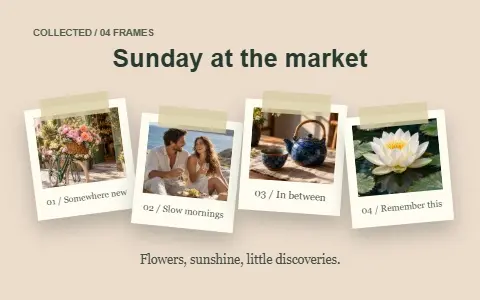
Four photos land on textured paper with tape, handwritten details and a final collage. Swap all four images for a new story.
Make it yours ↗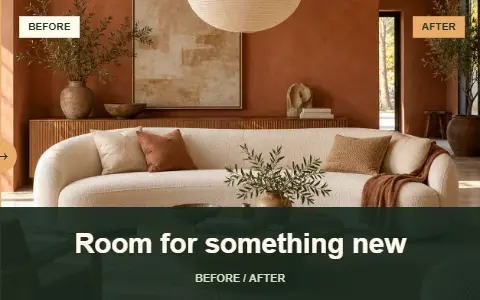
A clean moving divider compares two images in the same frame. Use matching compositions for the strongest transformation.
Make it yours ↗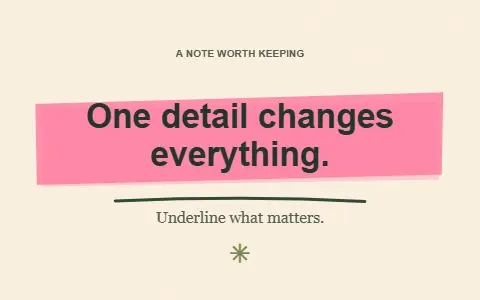
A hand-drawn marker stroke reveals an important phrase on paper, followed by a loose underline.
Make it yours ↗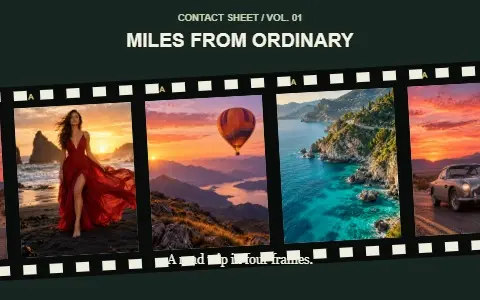
Your photos travel through a filmstrip with sprocket holes, frame numbers and a quiet editorial title.
Make it yours ↗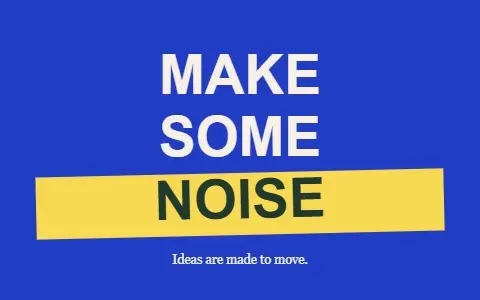
Words arrive one by one in a bold typographic composition. The accent word stretches into place and holds for reading.
Make it yours ↗
A warm moving flare bridges two images with a bright flash and soft light leaks. This demo renders a complete transition clip.
Make it yours ↗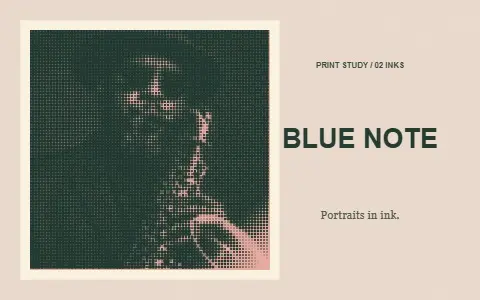
A photo resolves into a two-ink dotted print with offset registration and a paper finish. The visible dots are the intentional print effect.
Make it yours ↗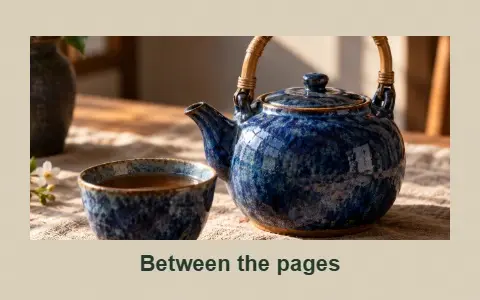
A stylized photo page folds across its spine and reveals the next image. A lightweight 2D fold study for the browser.
Make it yours ↗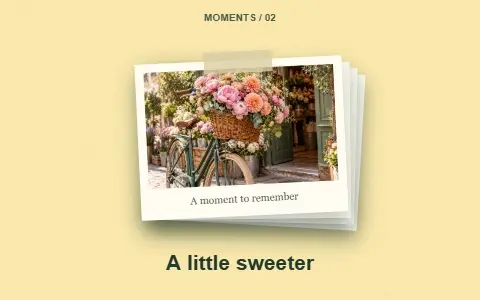
A stack of photographs changes in deliberately stepped motion, with offset paper frames and tactile jumps.
Make it yours ↗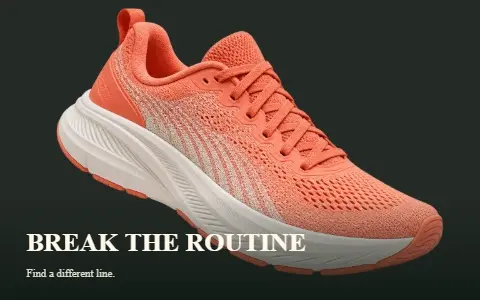
Staggered torn strips uncover the next scene.
Make it yours ↗
Rotating paper blades unfold around the centre.
Make it yours ↗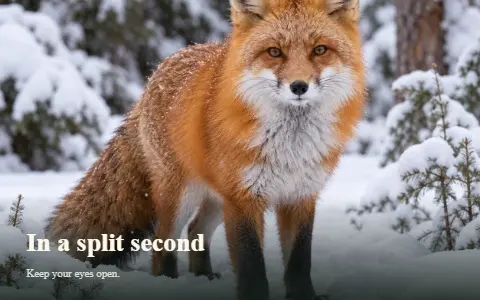
A six-blade iris closes and opens over the next shot.
Make it yours ↗
An ordered tile wave trades one photograph for another.
Make it yours ↗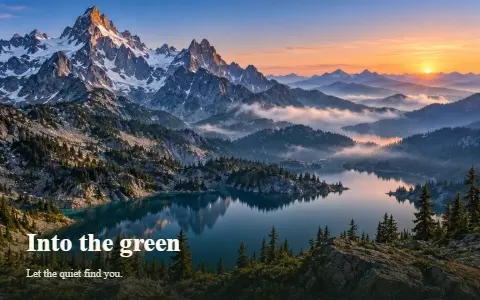
Overlapping organic ink pools reveal the second image.
Make it yours ↗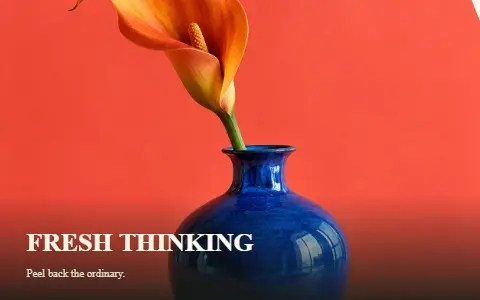
A curling diagonal tape edge lifts from the frame.
Make it yours ↗
Horizontal paper slats rotate away with dimensional shading.
Make it yours ↗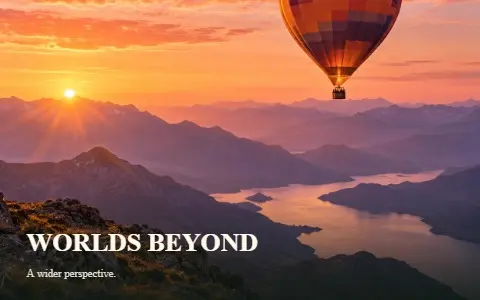
An expanding circular aperture opens onto the next scene.
Make it yours ↗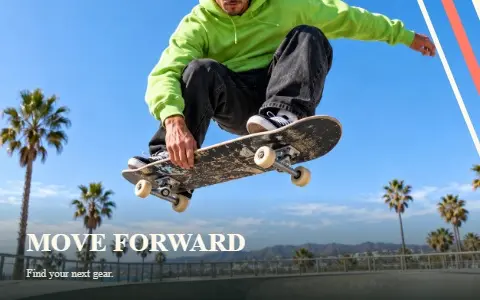
Three offset diagonal bands sweep across the image.
Make it yours ↗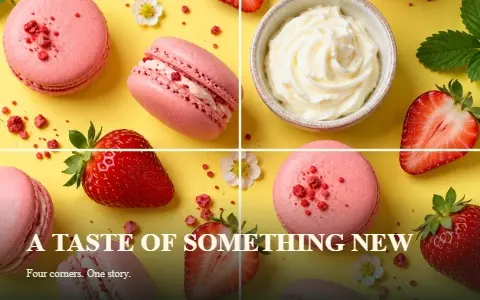
Photo quadrants slide from four directions into a crisp grid.
Make it yours ↗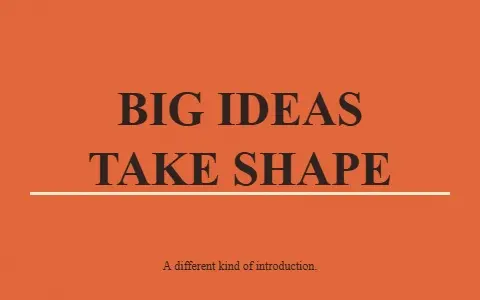
Two masked headline lines slide in opposite directions.
Make it yours ↗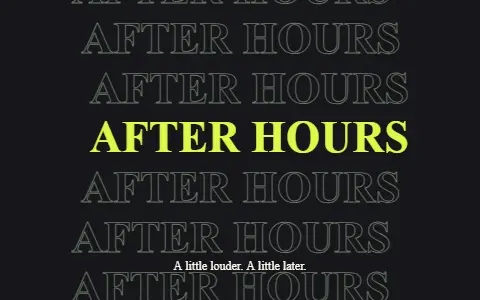
Outlined echoes travel behind a solid central headline.
Make it yours ↗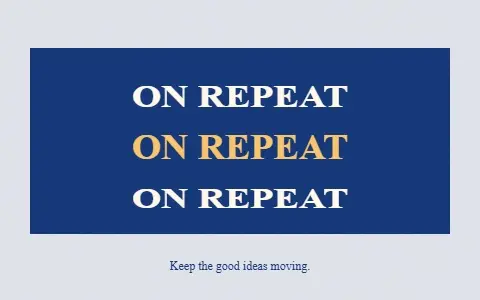
Perspective-like type rows roll through a masked display.
Make it yours ↗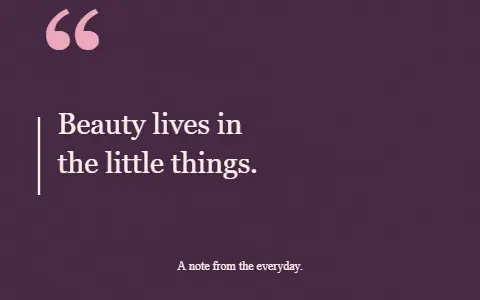
An elegant quotation is revealed beside a growing rule.
Make it yours ↗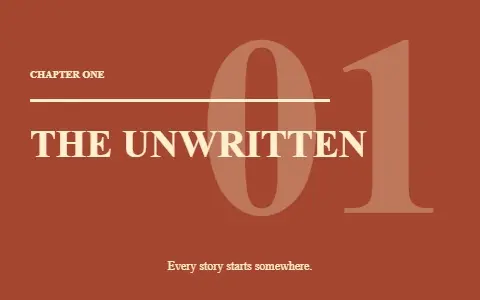
An oversized chapter numeral anchors a sliding title.
Make it yours ↗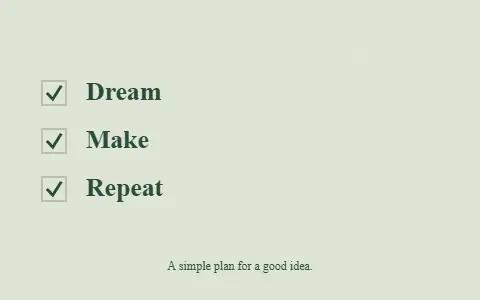
Checklist lines draw on sequentially with staggered ticks.
Make it yours ↗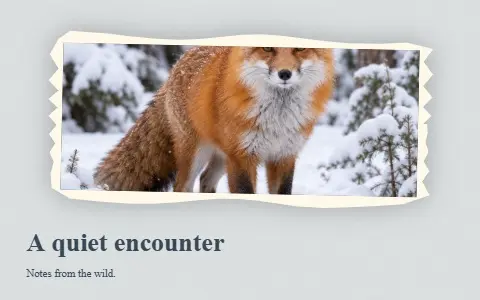
A floating photograph on an irregular torn-paper mat.
Make it yours ↗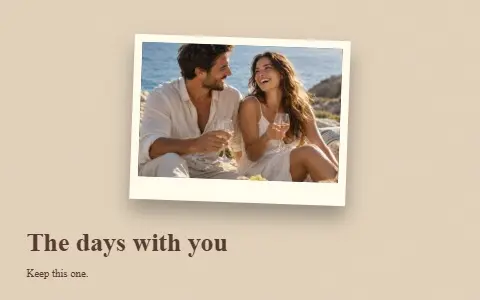
A framed photo drops, rotates and settles into the page.
Make it yours ↗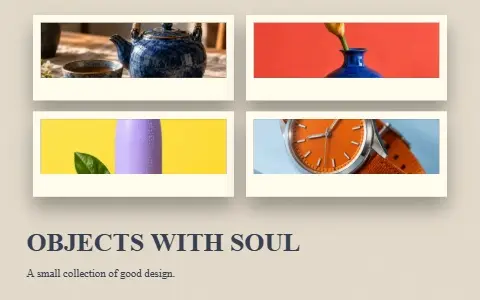
Four framed photographs build a balanced gallery wall.
Make it yours ↗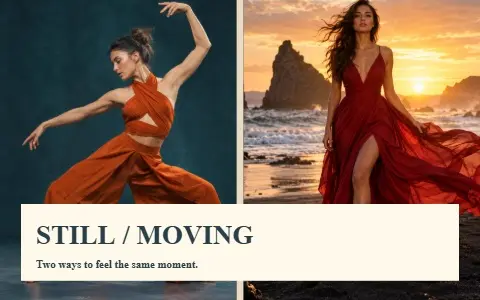
Split photographs move in opposing directions around an editorial seam.
Make it yours ↗
A vertical photo strip advances through a soft spotlight.
Make it yours ↗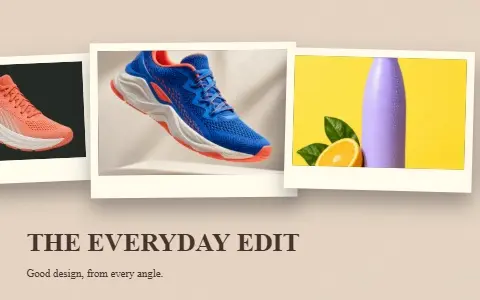
Cards travel across a stage, with scale and shadow tracking depth.
Make it yours ↗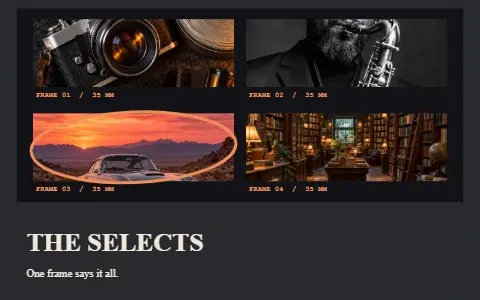
A four-image contact sheet builds before a selection mark draws on.
Make it yours ↗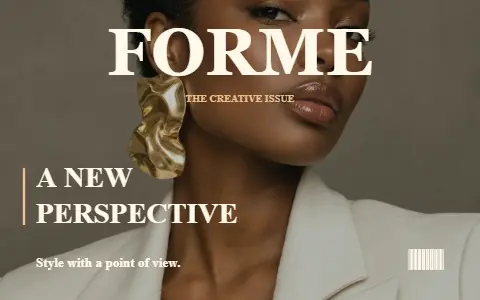
An oversized masthead and story lines build around a cover photo.
Make it yours ↗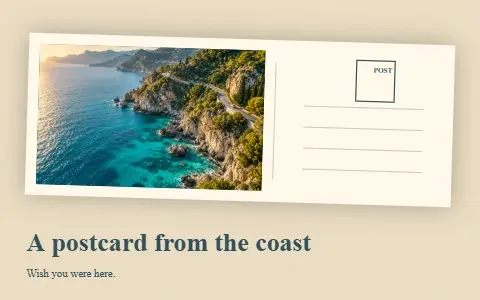
A postcard turns into place with stamp, address rules and a photo window.
Make it yours ↗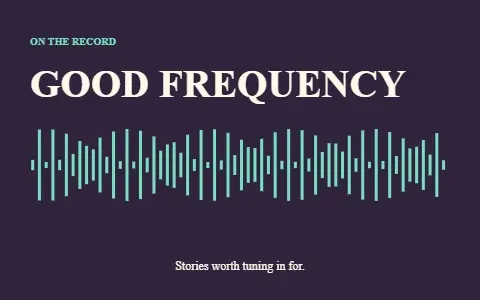
A decorative waveform pulses beneath a podcast-style title; not audio-reactive.
Make it yours ↗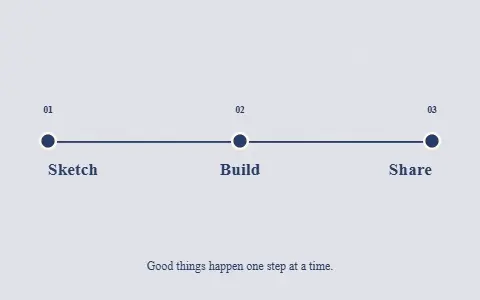
A growing line connects three milestone nodes and labels.
Make it yours ↗
A moving spotlight isolates an area of a dimmed image.
Make it yours ↗Build a reveal, give a photo depth, or put your words and identity in motion.

Neon fragments trace your image into view. Choose an entrance, an exit, or both.
Make it yours ↗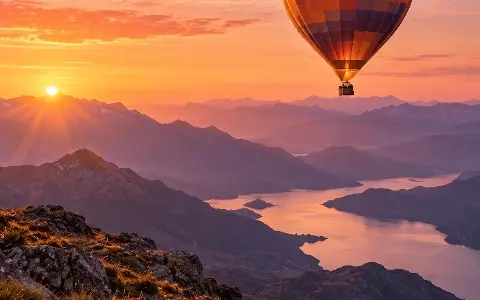
Upload a photo. Automatic depth analysis separates near and far for a subtle camera move.
Make it yours ↗
14 editable styles, from a precise highlight to kinetic typography. Set the type, colour and timing.
Make it yours ↗
12 ways to introduce your brand. Upload your logo and export on a solid, green or transparent background.
Make it yours ↗Give your speakers a polished introduction and your audience a readable transcript.
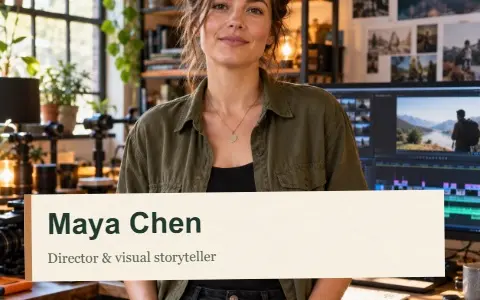
12 name-card designs. Customize names, roles, colours and animation in or out.
Make it yours ↗Make every
word count.
Add a video, generate captions, then correct the words and style the text. Download SRT, VTT or a captioned video.
Create captions ↗Speech transcription uses Cloudflare. Video editing and export run in your browser.Materials and sounds to bring your next edit together.
Cotton, kraft, crumpled, folded and vintage. Preview the grain and download the original PNG.
Find your paper ↗6 ORIGINAL INSTRUMENTALSFind a mood for a reel, reveal or story. Listen before downloading MP3 or WAV.
Find your soundtrack ↗20 ORIGINAL SOUNDSPaper rustles, pops, whooshes and hits. Small sounds that make the motion feel right.
Find your sound ↗Audio is available for personal and commercial video projects. Read the usage terms.
Convert, resize and extract frames in your browser. Your files stay on your device.
Turn a short clip into a loop.
Make browser exports editor-ready.
Bring an animation into your timeline.
Save the frame you need.
Turn a sequence into a loop.
Adjust size, frame rate and dimensions.
Fit or crop for 9:16, 1:1 or 16:9.
Convert animated WebP for sharing.
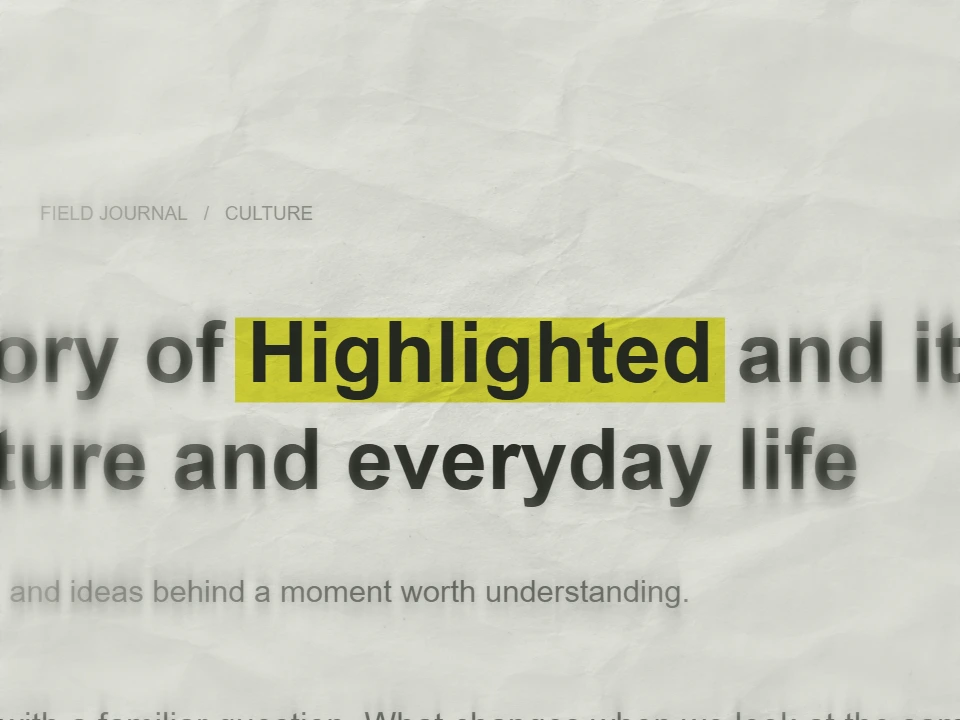
Create a text match cut: keep your highlighted word in place as newspaper backgrounds change. Use the match cut to connect ideas in a video essay, opener or reel.
Start with a name, phrase or idea you want people to remember.
Change the paper, highlight and pace. Keep the word at the centre.
Preview the sequence and export a clip for your timeline.
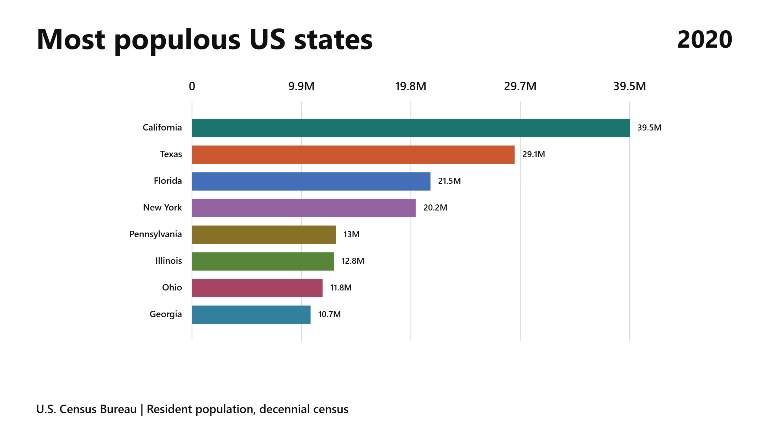
Race US state populations through 110 years, or enter your own numbers.
Edit the race →
Start with the US flag. Edit its stars and stripes, then set it waving.
Edit the flag →Preview and edit for free. A free account includes 3 starter animation exports at 720p, then one per day from the day after you use them with no watermark. Unlimited plans add 1080p exports. Export clips up to 60 seconds. Compare plans.
Create and export here in your browser. You can then add your animation to CapCut, Premiere Pro or another editor. Current desktop Chrome or Edge works best.
Yes. Add your media in effects that support uploads. Animation and conversion files are processed on your device. Automatic subtitles send extracted audio to Cloudflare for transcription. Read our Privacy Policy.
Save a still frame or export a video. MP4 is available where supported, with WebM as a fallback. Export options are shown in each editor.
Yes. You need permission for the images, text and other material you add. See Using your exports.
A photo, a phrase, a little imagination. Start there.
Make your first animation →Build a paper reveal for a story opener, a map for a journey, a typographic title for your next video. Each tool has editable controls and a short practical guide. Choose the scene that helps explain your idea, then render on your device.
New to the paper look? Learn how to make a paper animation from a photo, with steps for cutout edges, movement and green-screen exports.
Your highlighted word stays aligned as printed pages, typefaces and creased paper change around it.
Photos, pinned notes and connecting threads form an animated investigation.
A moving archival timeline connects annotated photographs across decades.
Turn a photo or short video into a torn-edge paper sticker. Customize the outline, print treatment, shadow and motion.
Remove image backgrounds or process a short video locally. Save a transparent image or place your subject on a new background.
A photograph folds into a shaded accordion mesh in perspective.
A designed editorial spread flexes along its spine under a moving camera.
Individually printed paper letters assemble with varied depth and rotations.
A crushed white paper ball opens in tactile stop-motion to reveal your cutout. Detailed paper folds, warm kraft stock and a silhouette-following shadow.
Individual characters orbit, pivot and settle into a typographic composition.
Segmented typographic rollers rotate and align like a mechanical display.
Nine interlocking newspaper fragments fly together into a complete editorial headline.
Changing editorial social cards, highlighted phrases and a stationary gradient backdrop. Customize cadence and card material.
Your word remains anchored while avatars, handles and comments change around it.
A camera follows your words across a printed page, joining hand-drawn circles into a trail.
Inked extrusion, radial speed lines and elastic impact give your words a comic-book entrance.
A paper plane traces a great-circle route across a textured atlas with real country boundaries.
Move from the world into a country with custom camera framing, flag fills and eight editable map designs.
Connect three locations with a sequenced flight path and a traveling paper plane.
Concentric pulses and a rotating radar sweep locate a city on the world map.
A hub city connects to six destinations with staggered geographic route lines.
A moving optical lens enlarges the actual letters beneath it, with a metal rim and dimensional handle.
A mechanical desk composition with moving paper, a striking typebar and editable typed text.