
Flag Maker & Flag Creator
Create a custom flag with our online flag designer. Choose a template, add symbols and export your design as SVG, PNG or a waving flag video.
Galleries
Change one star and export a waving flag GIF
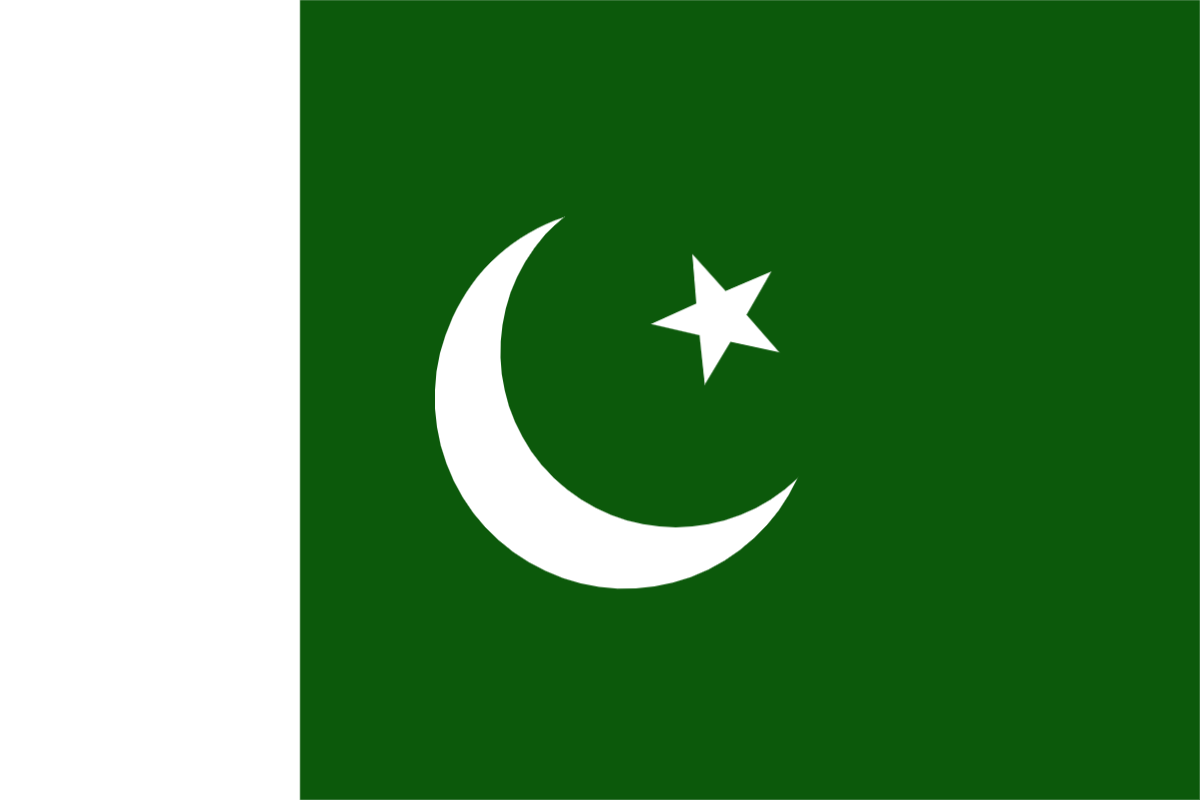
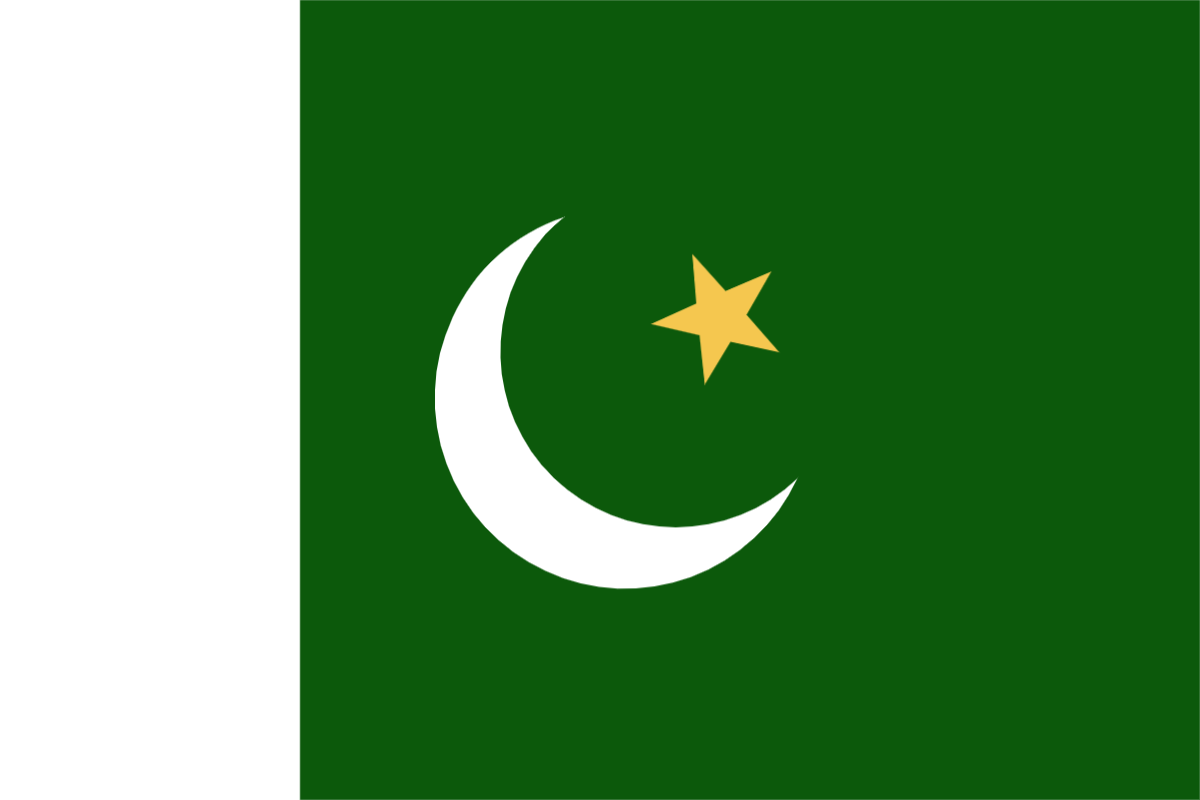
Choose Star in Layers to change its colour. The crescent, stripe and field remain individually editable. In Animate, adjust wave strength and speed before exporting a loop.
Open the waving flag GIF preset · Download the example GIFHow to use the Flag Maker
- Start from a country template or a pattern. Edit the aspect ratio, colours and silhouette.
- Add a symbol, draw, or upload an SVG. Select layers to arrange, group or recolour them.
- Save an editable design, export SVG or PNG, or render a waving flag video.
How do I make a custom flag?
Use the flag designer to choose a country, historical flag or US state template. Replace the design or layer the template over your own flag, then adjust its colours, symbols and proportions.
Can I design and animate the same flag?
Yes. Start with a modern or historical flag, change its colours and symbols, and preview the edited design waving, unfolding or being revealed. Choose landscape for a presentation or portrait for a vertical video.
Which file should I save?
Save on this device to resume editing your layers. SVG preserves vector artwork, PNG keeps a transparent silhouette, and JPEG puts it on white. Choose Transparent WebM for a moving overlay or green screen for a chroma-key workflow.
Where do the templates come from?
Modern templates use flag-icons. The archive contains attributed historical artwork from Wikimedia Commons and state reference designs from region-flags. Some templates show an older version of a flag.