
Image Upscaler for Enlarging Photos Online
Increase image resolution on your device. Compare the enlarged result and download a PNG for your next edit.
Inspect a 2× and 4× enlargement



Zoom in on the lens · matching output crops
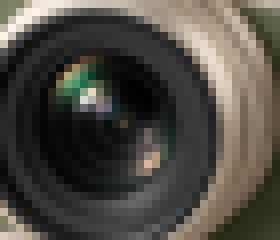

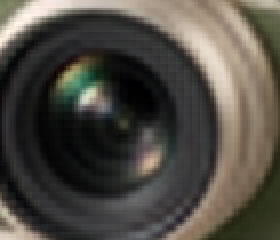
Compare the lens rim at the same display size. Neural enhancement estimates edge detail. For a flat icon, compare Smooth resize. An account includes 2× PNG downloads. A subscription unlocks 4× downloads.
Try this 110 px imageHow to use the Image Upscaler
- Choose a photo or illustration and an enlargement factor.
- Use the neural model for fine detail or smooth resizing for transparent artwork.
- Inspect the enlarged image, then download it or open it in Photo Reveal.
How large will my image become?
A 640 × 480 image becomes 1280 × 960 at 2×, or 2560 × 1920 at 4×. The downloaded PNG uses those new pixel dimensions. Choose the neural model for photographs and try smooth resize for flat artwork.
Does my photo get uploaded?
Processing happens in your browser. The first neural enhancement downloads model files from Paper Animators; the image you choose stays on your device. Generated details are estimates, so check faces, small text and logos at full size.