Introduce one idea
Use a name, a place or a concept that matters to the next scene. A video essay about memory could begin with “memoria,” then move into photographs. Let the viewer read the word before the main footage takes over.
Text, paper & a little movement
One word stays. The pages change. Make a text match cut with Paper Animators and turn a phrase into a moving newspaper highlight.
Choose the paper, change the highlight, and find the rhythm for your next video essay, reel or title sequence.
Create a text match cutEdit in your browser. Preview before you export.
The idea behind the effect
A match cut connects two shots through something they share, such as a shape, a movement or a subject in the same position. A text match cut uses a word or short phrase as that connection. The background changes from one frame to the next while the important text holds your attention.
In a newspaper-style sequence, the surrounding print, typeface and paper surface change around a highlighted word. Paper Animators keeps that phrase aligned, so you can build the effect from typed text without positioning every page by hand.
The result is particularly suited to an idea you want the viewer to remember. A place name can introduce a travel story. A person's name can open a profile. A single word like “curiosity” can set up the question your video is about to answer.
See the same idea in different materials
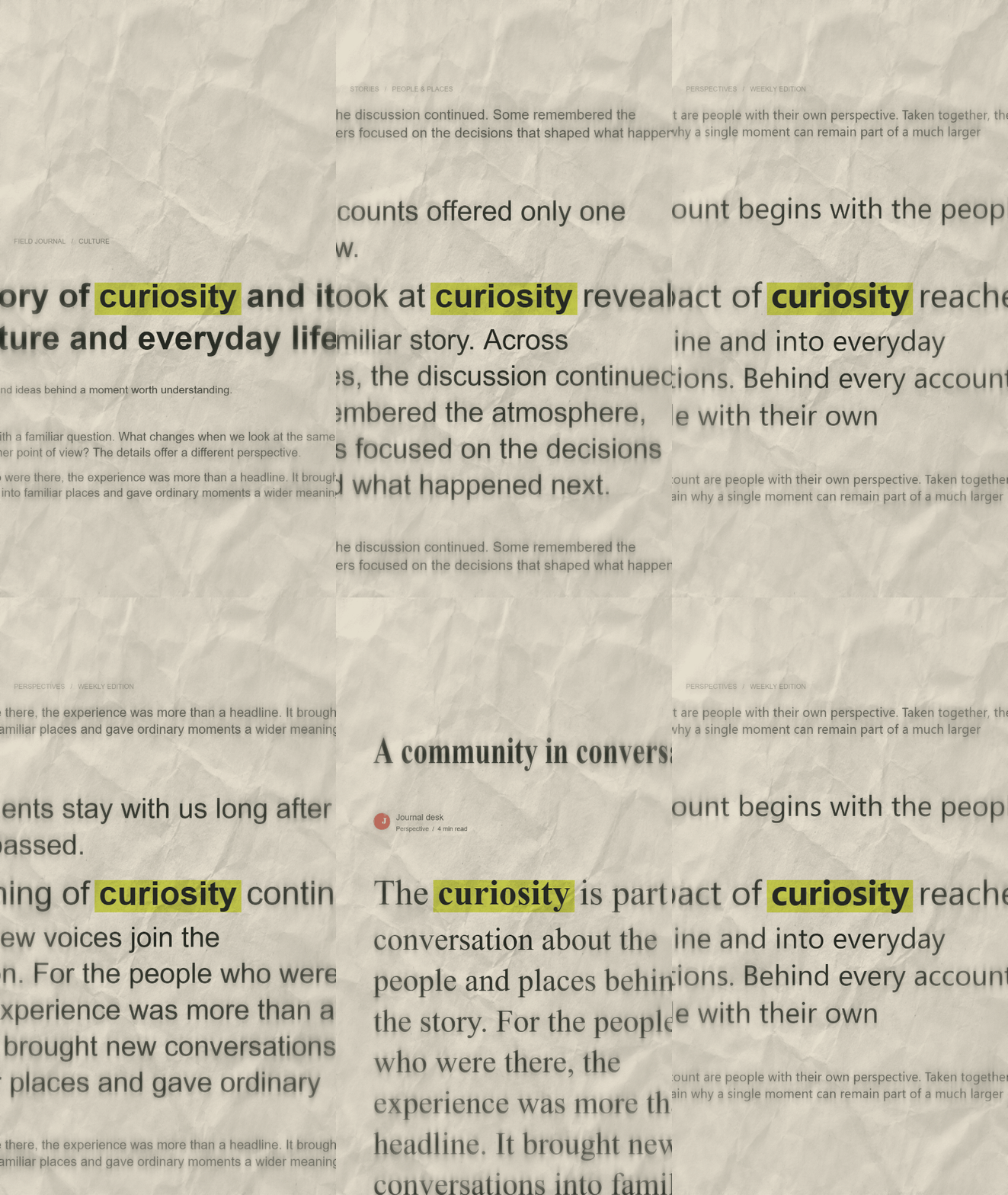
The Paper Animators editor combines paper color, texture strength and highlight color. These animated examples use those controls to move from soft newsprint to smooth white paper and a warmer archival look.
Warm paper, visible grain and a yellow highlight. A familiar newspaper treatment for research-led stories and editorial titles.
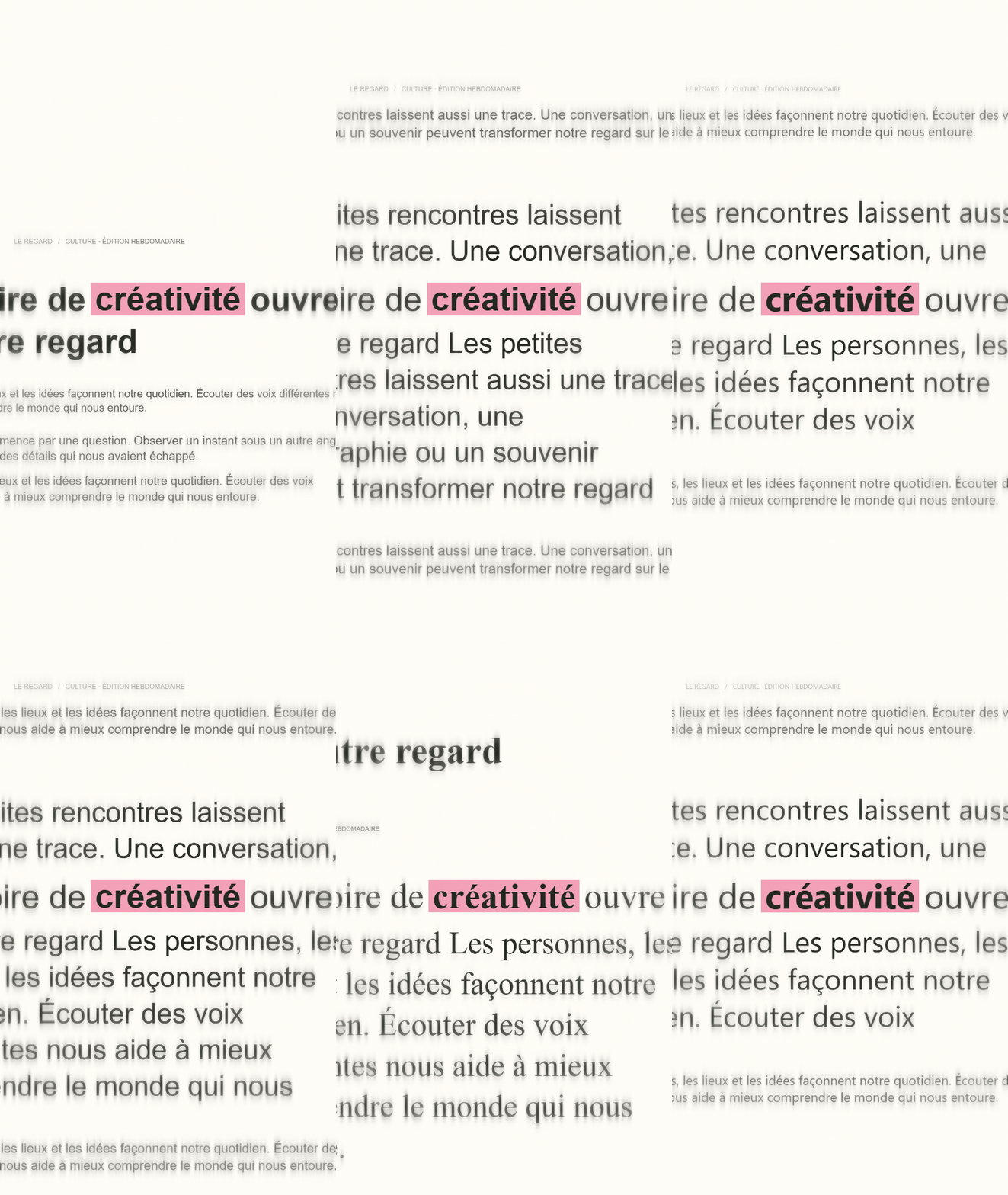
Texture set to zero, near-white paper and a pink highlight. The clean surface makes the changing typography easier to notice.
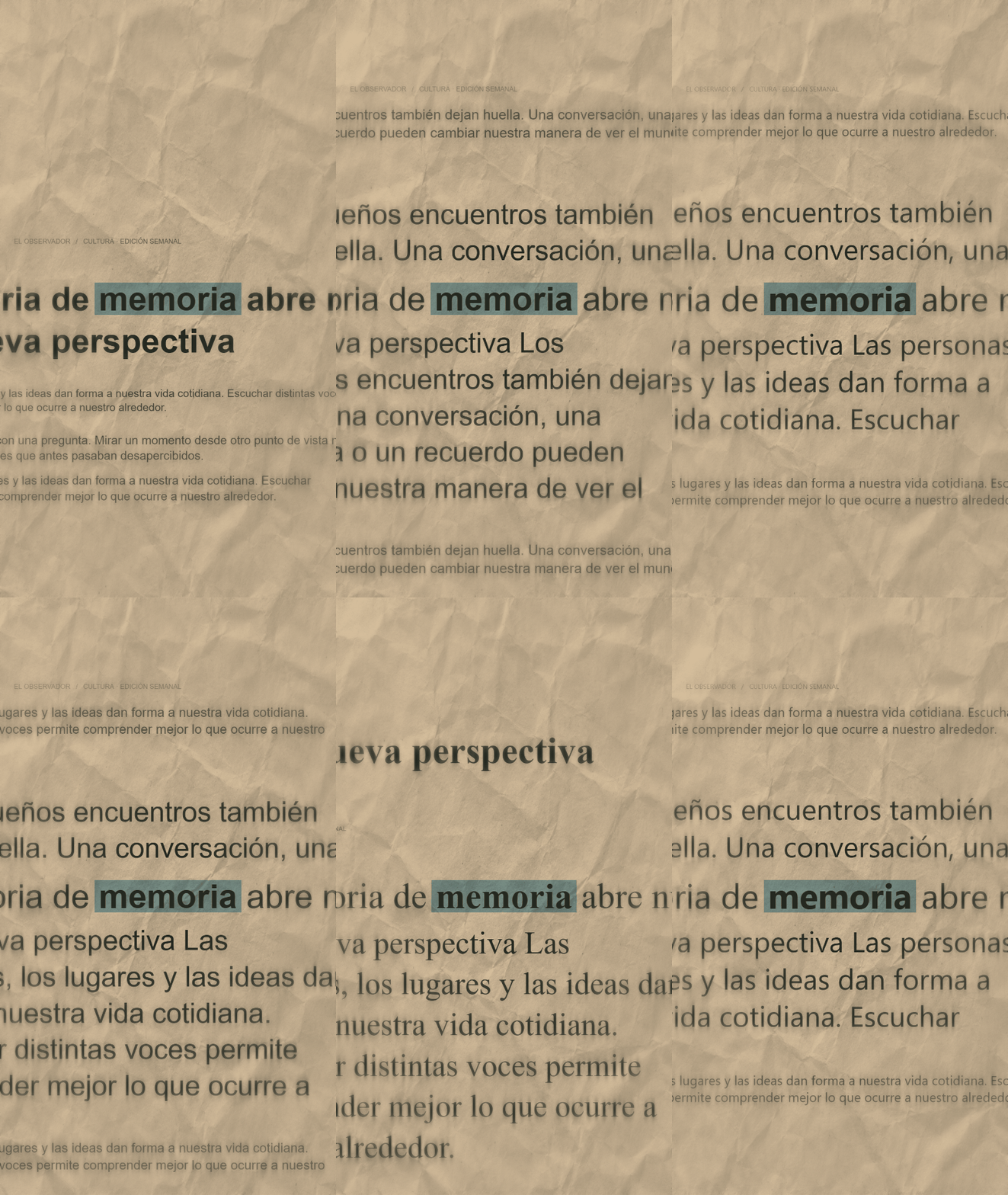
A warm tan paper color, stronger texture and a blue highlight. Useful for memories, history or a personal archive sequence.
The changing print is designed sample copy. For a video that quotes an article, use the original source and accurate attribution. Each example also has a downloadable GIF.
Different scripts, the same visual idea
Paper Animators supports localized newspaper layouts and script-aware fonts. Explore all 10 website languages below. Each example uses the same fixed-word effect with its own paper and highlight colors.
Open the editor in the example's language, enter the displayed word or your own phrase, and check the spacing at the size your audience will see.
A yellow highlight on textured cream paper. Keep a familiar English keyword at the center as the printed pages change.
“Creativity” on smooth white paper. French accents stay part of the word through every changing frame.
“Memory” on warm archival paper. A blue highlight connects the Spanish phrase across changing pages.
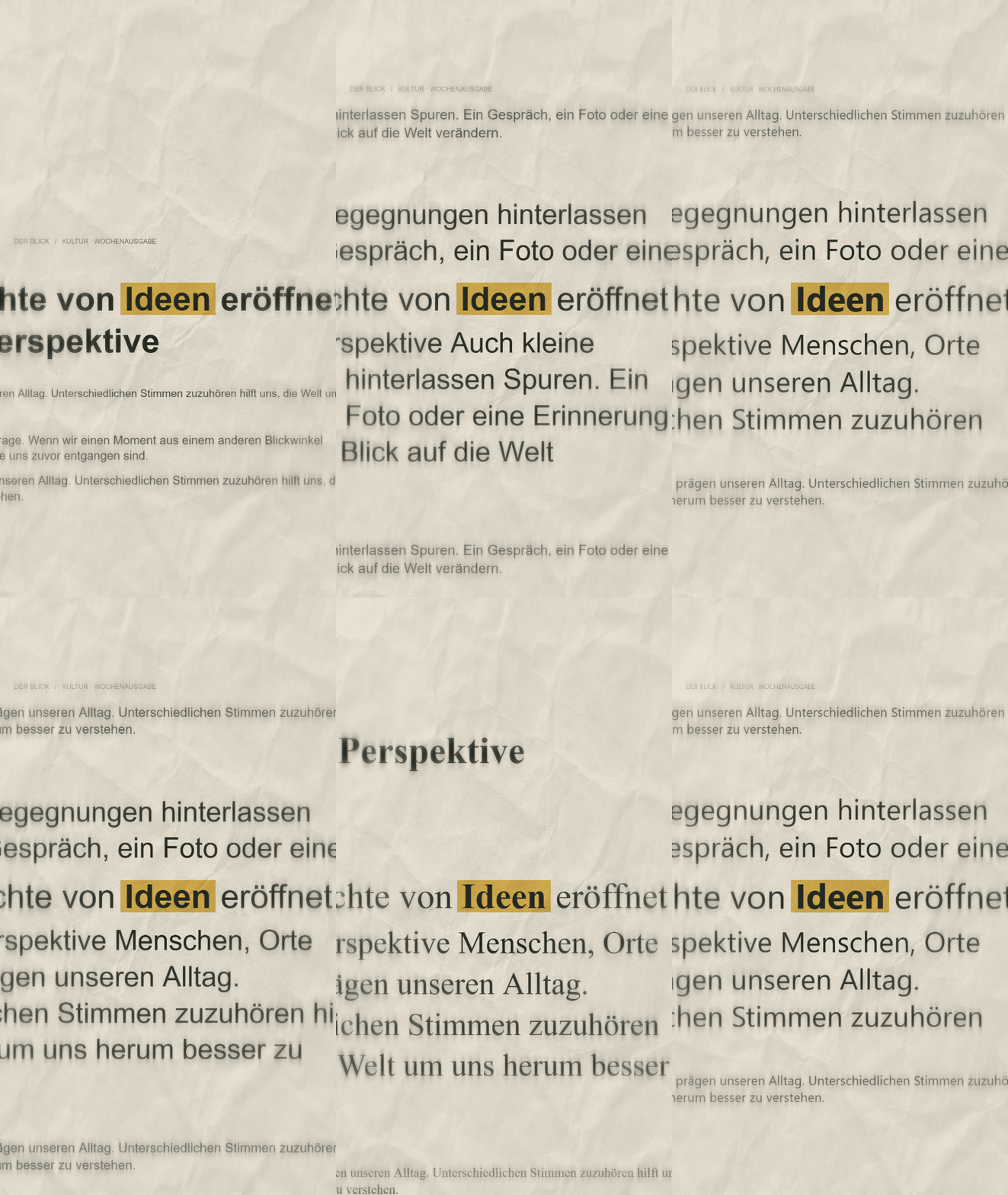
“Ideas” on softly textured cream paper. A gold highlight brings the short German word into focus.
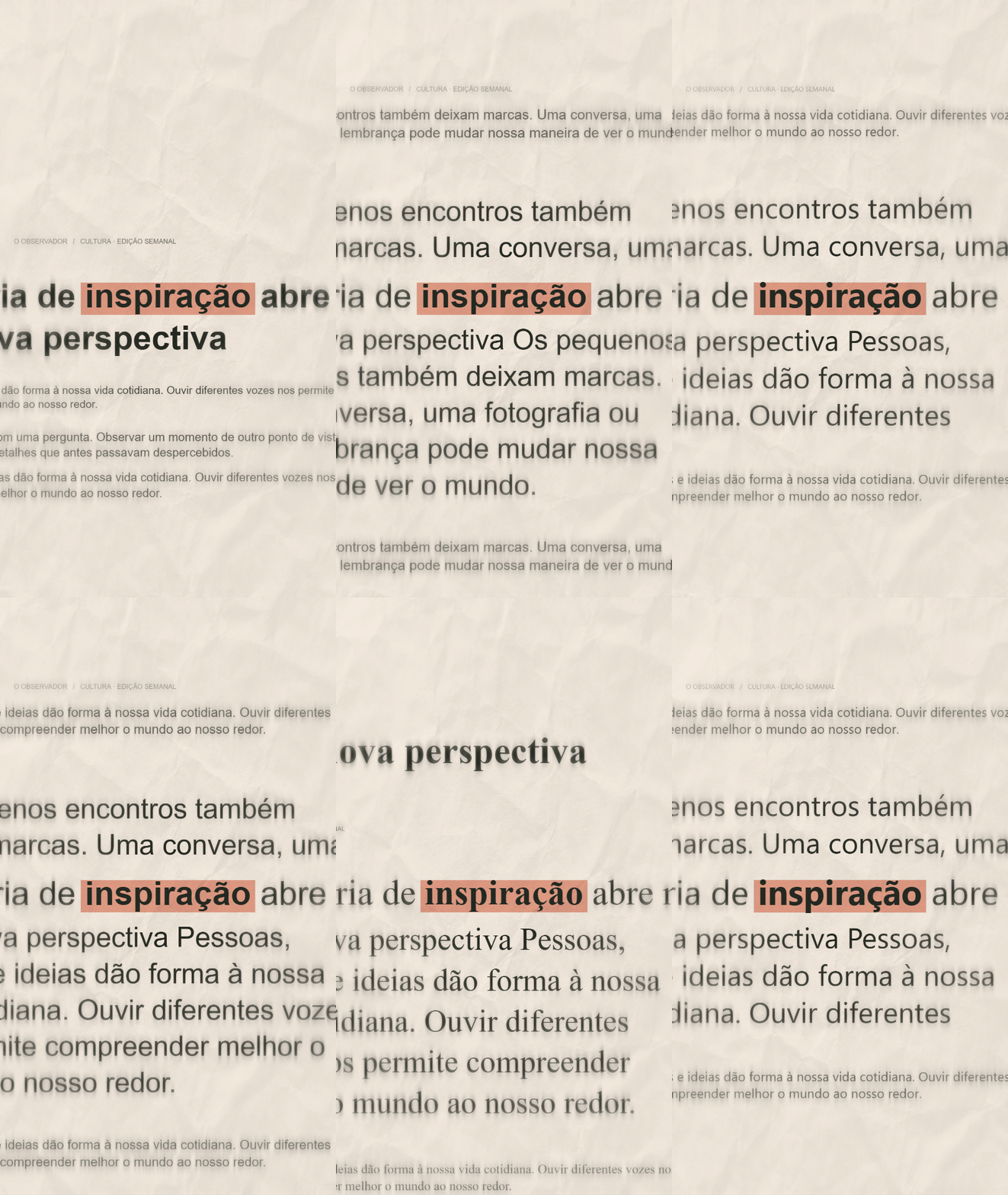
“Inspiration” on pale warm paper. The coral highlight follows the Portuguese word while the surrounding print changes.
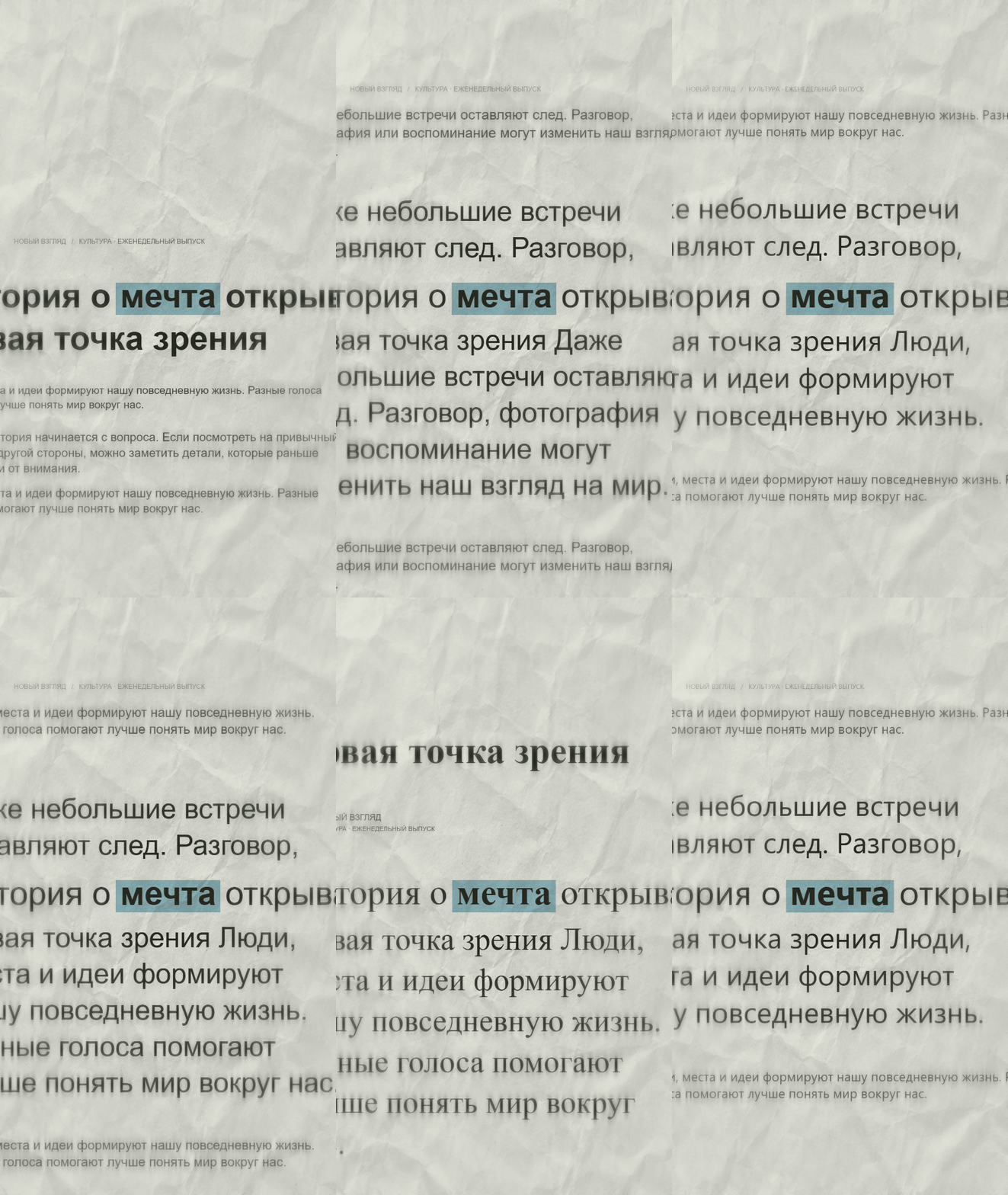
“Dream” on cool textured paper. Cyrillic letterforms stay centered inside a soft blue highlight.
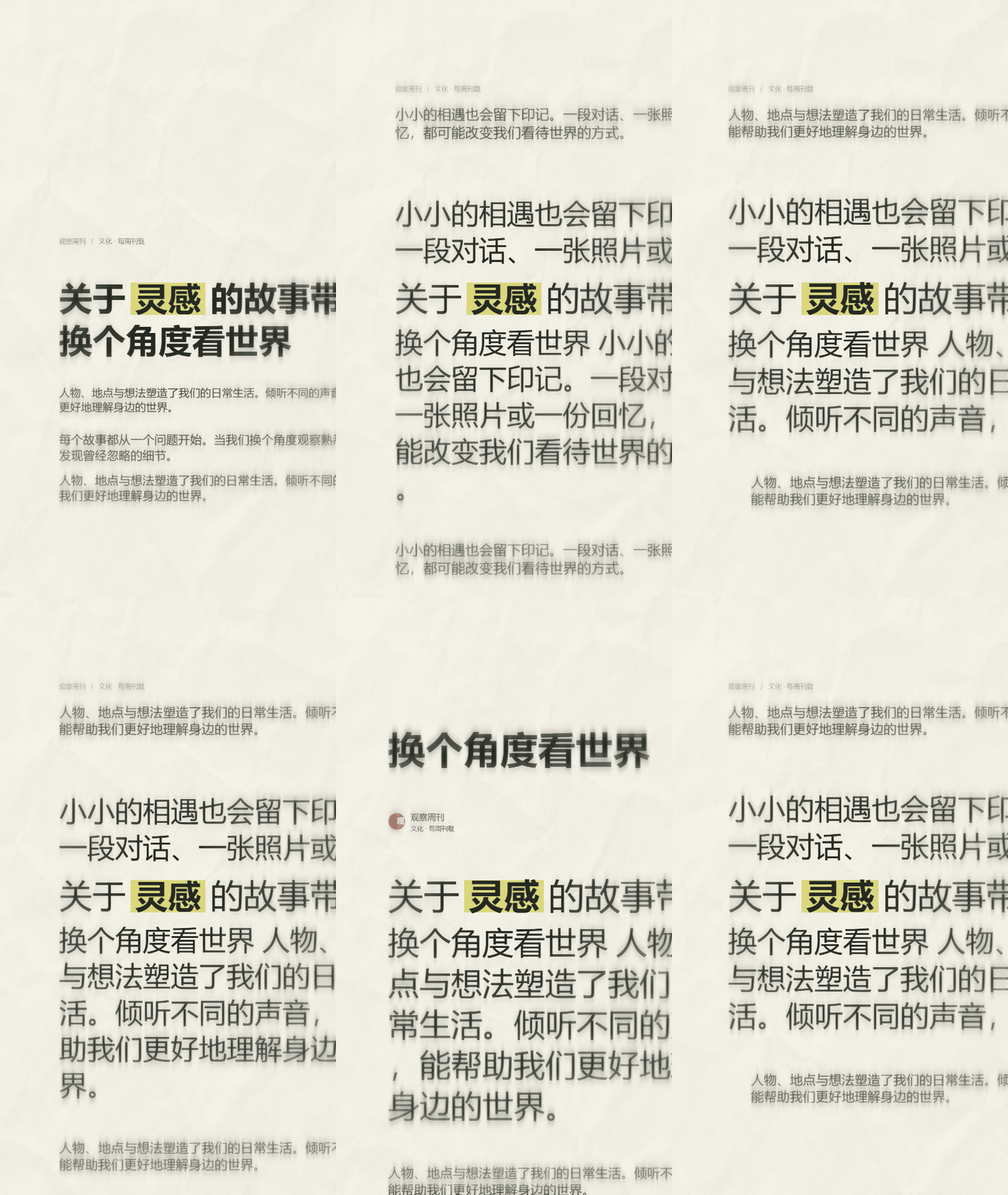
“Inspiration” on lightly textured pale paper. Two Chinese characters form a compact anchor inside a lemon highlight.
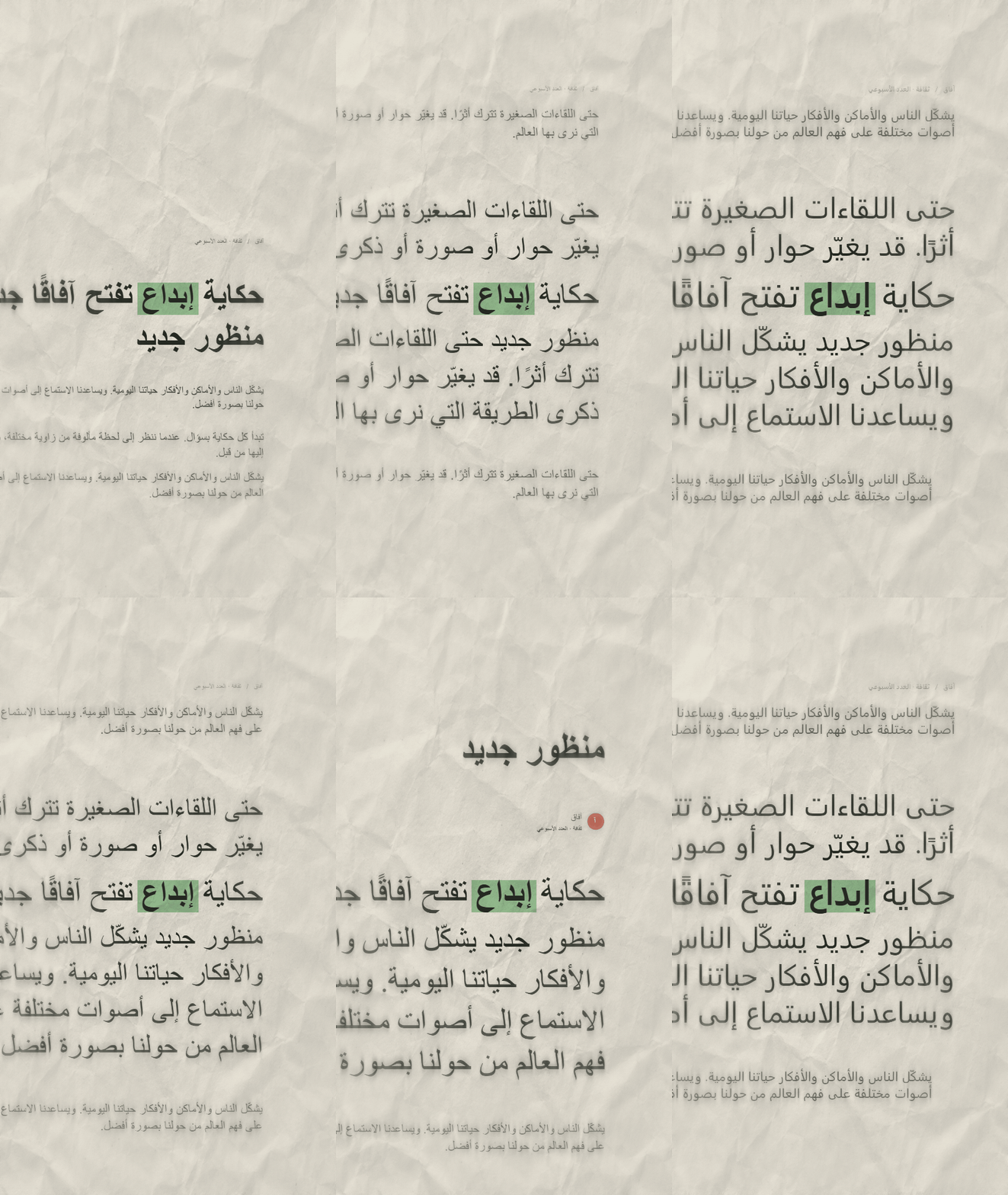
“Creativity” on cream paper. Arabic shaping and right-to-left surrounding copy keep the script readable through each change.
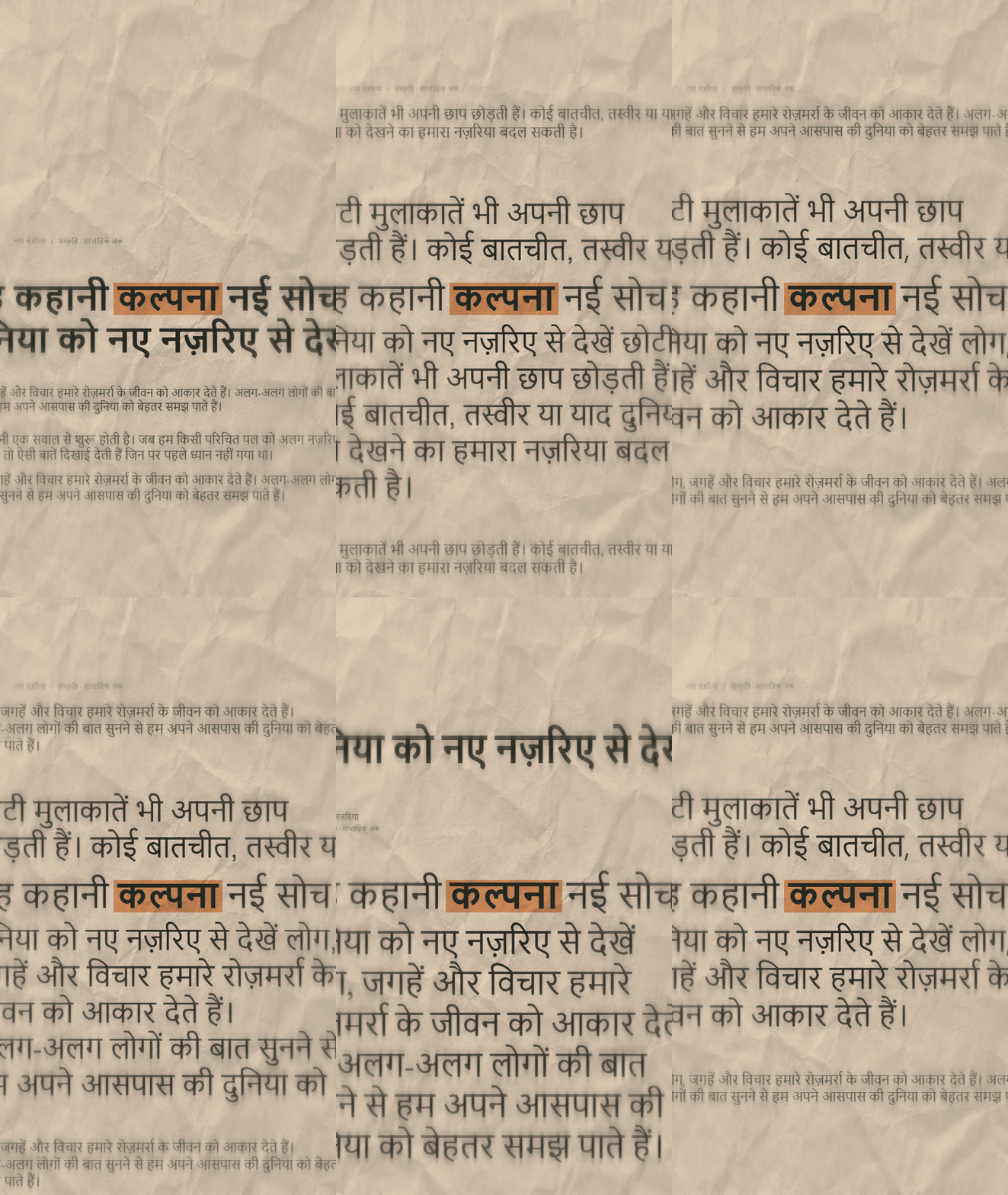
“Imagination” with a peach highlight and warm textured paper. Leave space above the letters so the Devanagari headline stays clear.
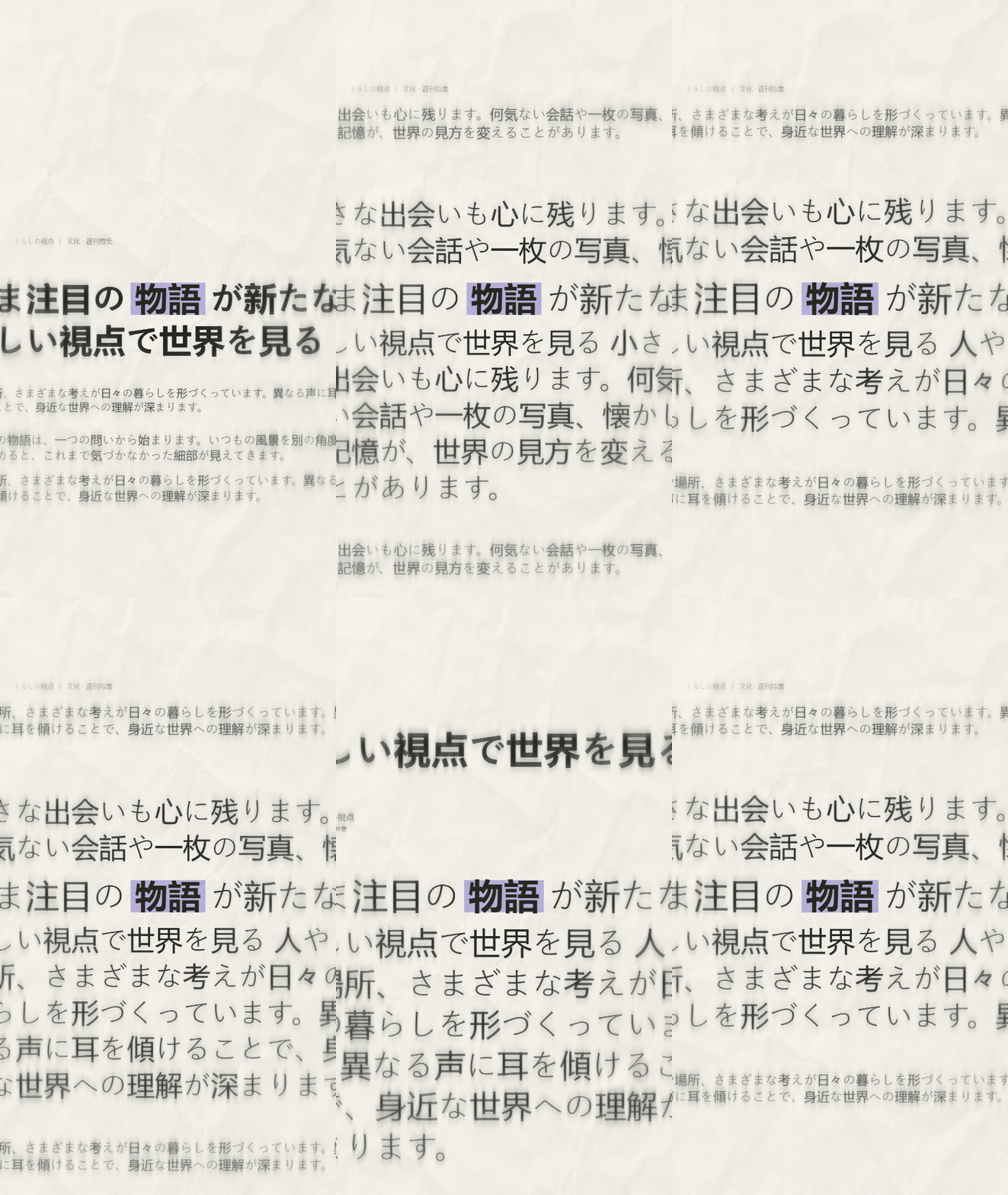
“Story” on lightly textured pale paper. A short Japanese phrase gives the highlight room to breathe in a narrow composition.
The gallery contains rendered examples. The editor opens in the linked language so you can enter your own words and recreate the colors. A language setting changes the interface and sample print, so review your own wording before export.
From a phrase to a finished clip
Open Paper Animators and start with a short phrase. Work through the visual choices in this order so you can judge what each change adds.
Try it in the editor ↗Enter one word or a short phrase in the text field. Choose the language of the surrounding pages, then check that the letters display correctly. Keep enough space around the phrase for the highlight to feel like part of the printed page.
Use Paper color for the base and Highlight color for the mark behind your text. Try a yellow highlight on cream paper for newsprint, pink on white for a lighter treatment, or blue on tan for an archive feel. Check the text contrast before adding more texture.
Move Paper texture toward zero for smooth paper or upward for a stronger surface. Surrounding print blur softens the background so the highlighted phrase stands out. Keep Font variation on for changing letterforms, or choose Keep one font for a consistent word shape.
Watch the preview, then scrub through a few page changes. Lower the animation speed if the word feels difficult to read. Choose 9:16 for a vertical video, 16:9 for a landscape timeline or 1:1 for a square composition. Check the phrase again after changing the format.
Choose an available resolution and export the video. Keep the tab open while rendering completes. Import the downloaded clip into your video editor, trim it to the length of your transition, and align a page change with your narration or music.
Make the words easy to follow
A short Paper Animators clip works best when the word connects to the shot or sentence that follows. The texture adds character, while the phrase carries the meaning.
Use a name, a place or a concept that matters to the next scene. A video essay about memory could begin with “memoria,” then move into photographs. Let the viewer read the word before the main footage takes over.
Keep the same paper color, highlight and pace across chapter titles, changing only the phrase. This creates a recognizable transition between sections while leaving each topic its own identity.
Trim the exported clip in your editor and place a page change on a beat or a stressed word. Test the first viewing with sound, then without it. Both should leave enough time to understand the highlighted phrase.
Shorten the phrase, reduce the texture, increase the surrounding print blur or keep one font. Preview at phone size before exporting a reel. For long sentences, split the idea into several clips so each word has room and time to register.
Before you export
You can edit and preview the effect in your browser. A free account includes 3 starter animation exports at 720p, without a watermark. Check the pricing page for current free allowances, Unlimited plans and 1080p export options.
A match cut joins shots through a shared visual element. A text match cut uses a matching word or phrase as the connecting element. Here, a stable highlighted phrase sits inside changing designed newspaper pages.
Yes. Paper color, Paper texture and Highlight color let you create different combinations. The examples above show smooth white, warm cream and tan paper paired with yellow, pink, blue, green, peach and lilac highlights.
This gallery covers English, Spanish, French, German, Portuguese, Russian, Arabic, Simplified Chinese, Hindi and Japanese. The examples were rendered with the editor's localized layouts. Use the language link beneath an example, enter your phrase and inspect the preview. Letter shapes, spacing and the phrase length affect the result.
Export the finished video and import it into your timeline as a clip. MP4 export depends on H.264 support in your browser, with WebM as a fallback. The export help page explains rendering and download troubleshooting.
The generator creates designed pages with sample print around your phrase. For documentary material or a quotation, use a verified source, check the wording and provide appropriate attribution.
Every example is a looping animated GIF in a vertical 9:16 format. Download an example GIF, or open the editor to customize the words, paper and highlight and export your own video.
Your word. Your next scene.
Start with a phrase, choose a paper treatment, and see how a few changing pages can introduce your next idea.
Create your text match cut ↗Read the step-by-step tutorial →